October 13, 2026
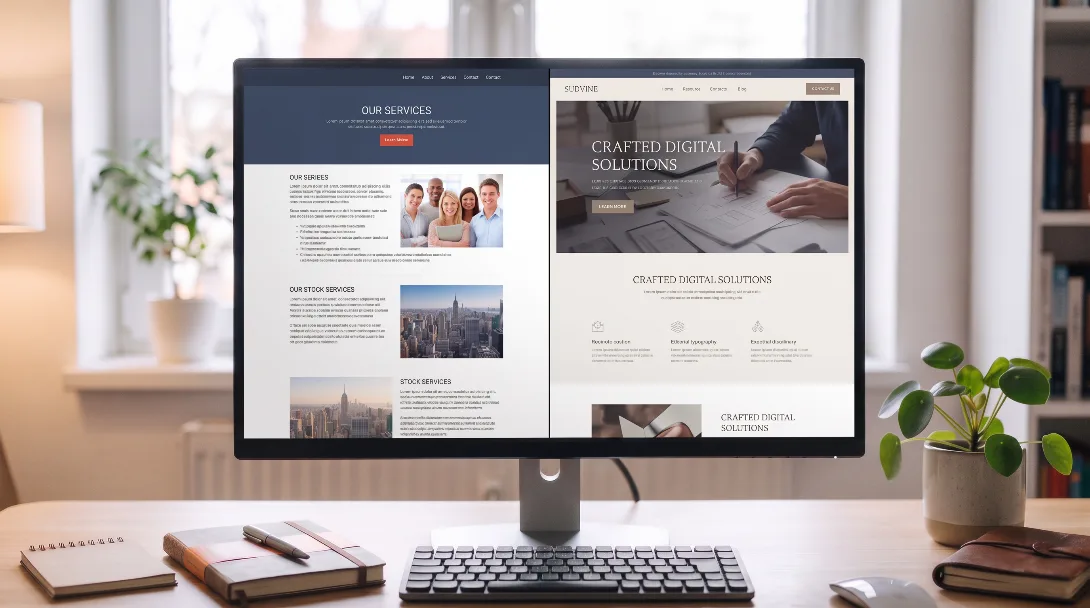
Custom Webflow Website vs Template: Which Wins?

Webflow SEO: The Complete Guide for UK Businesses (2026)
The definitive Webflow SEO guide for UK businesses in 2026. Covers everything from page speed and meta tags to CMS SEO, schema markup, and common mistakes to avoid.

There is a persistent myth that Webflow is not good for SEO. The truth is much more nuanced and, for most UK businesses, highly encouraging: Webflow is an excellent SEO platform when used correctly.
Webflow handles a massive amount of technical optimization automatically under the hood, giving you a competitive baseline performance from day one.
Webflow generates source code that follows HTML best practices by default. Headings use the correct semantic hierarchy, paragraphs use correct native text tags, and the overall document structure is easily readable by search engine crawlers without the heavy backend bloat of plugin-heavy WordPress builds.
Every Webflow site is hosted on an enterprise-grade global CDN, meaning your web assets are served from a server geographically closest to each local visitor. Combined with automatic asset compression and modern image optimization, this gives Webflow builds a significant performance advantage. Page speed is a heavily weighted, confirmed Google ranking signal.
Every Webflow site comes with an automated, pre-configured SSL certificate. Webflow also automatically generates a dynamic XML sitemap that auto-updates whenever you add or remove pages or CMS items. Submit this link to Google Search Console once and it stays completely current.
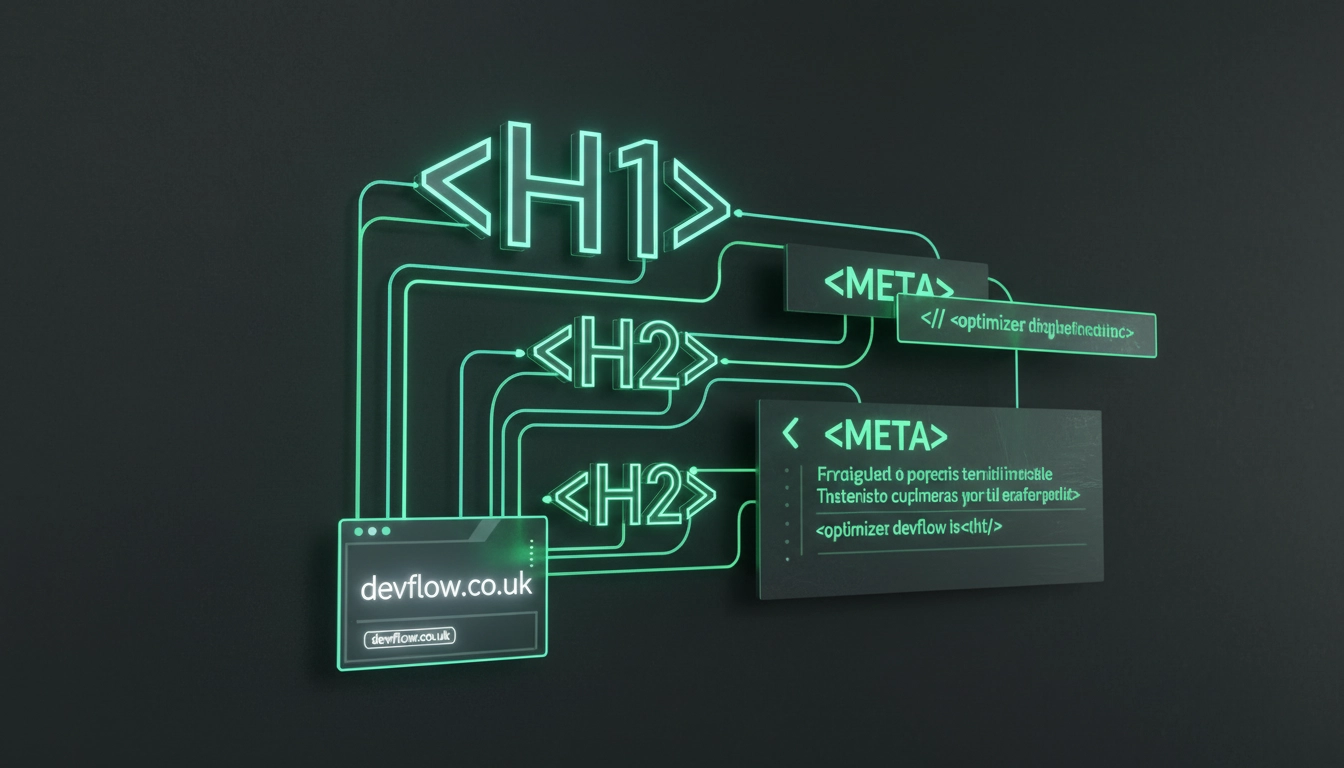
While Webflow sets the foundation, you must actively configure your on-page elements to match user search intent.
Every static page and dynamic CMS template item in Webflow has dedicated fields for the SEO title and meta description. Access them by opening your page settings panel.
Best practices to follow:
Always manually edit your fields to use descriptive, keyword-relevant slugs rather than messy, auto-generated system parameters.
/webflow-agency-uk/page-1 or /new-page-23Keep all your slugs lowercase, use hyphens instead of underscores, and completely avoid filler stop words unless they are a core component of your targeted phrase phrase.
If you are migrating an existing corporate site to Webflow, mapping your structural redirects is critical to retaining your rankings. Set up your 301 redirects natively inside your Webflow Site Settings dashboard under the Hosting section.
In Webflow's visual designer, it is incredibly tempting to choose text heading levels based entirely on how they look visually on your canvas, rather than their semantic code meaning. This is a significant SEO structural error.
The correct approach:
H1 tag - representing the absolute primary topic of that specific page.H2 tags are reserved strictly for major sections of the document.H3 tags are utilized for granular sub-sections nested nested directly within those parent H2 structures.Images are a massive source of search engine context and page weight. Optimize them using this checklist:

Run through this definitive health check list before pushing any Webflow platform change live to production:
H1 tag is used on any single page layout.Devflow offers a comprehensive, free SEO audit for Webflow sites - we review your technical backend setup, content keyword structure, and page speed benchmarks to give you an honest, prioritized action list.
Share
Explore more insights from our team to deepen your understanding of digital strategy and web development best practices.
Book now
Let’s discuss your goals, map out a strategic execution plan, and turn your website into a growth engine for your business.