October 13, 2026
Custom Webflow Website vs Template: Which Wins?

Webflow Redesign: When to Rebuild Your Website and How to Do It Right
Is your website ready for a redesign? This guide covers the signals that tell you it's time, the difference between a refresh and a rebuild, and how to execute a Webflow redesign that actually drives results.
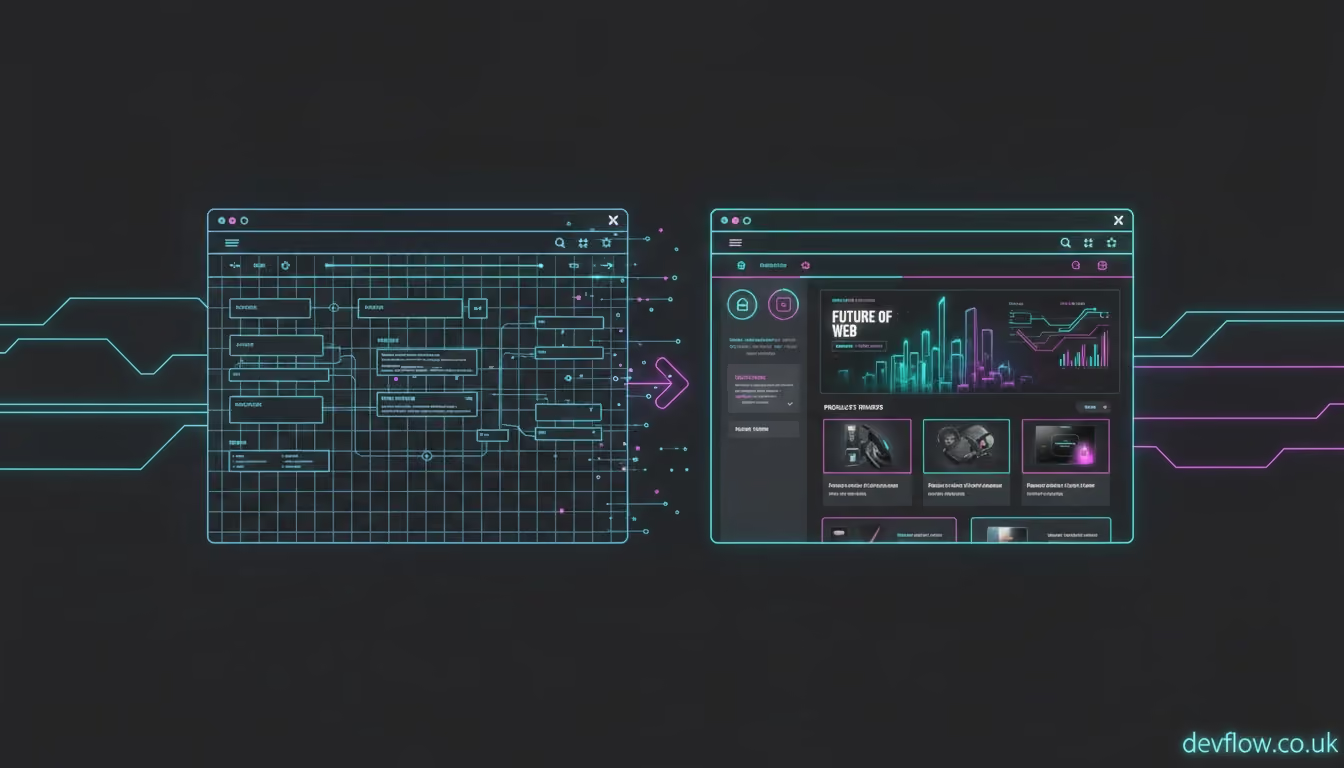
Most businesses wait too long to redesign their website. The typical story: the site was built three or four years ago, it "still works," and the cost and disruption of a redesign feels hard to justify.
Meanwhile, performance slowly deteriorates, the design looks increasingly dated, and the business is quietly losing high-value prospects to competitors with better, faster digital presences.
Look out for these clear structural indicators across your analytics and business goals to determine if your platform is holding you back:
Run your site through Google PageSpeed Insights right now. If the mobile score is below 70, your site is failing the fundamental technical benchmark that Google uses as a core ranking signal, causing mobile visitors to bounce instantly.
A website that does not convert traffic is not a commercial asset-it is an ongoing business cost. A webflow website redesign with a clear conversion architecture can have a dramatic, measurable impact on your baseline lead volume.
Businesses naturally evolve over time. If your website still describes the target markets or offerings of the business you were years ago, rather than the business you are today, a overhaul is long overdue.
If your internal marketing team needs to call a developer just to change a simple homepage headline or launch a new campaign landing page, your website infrastructure is actively constraining your marketing capacity.
If your direct industry competitors consistently outrank yours for the transactional searches your ideal clients are actively conducting, your website is failing at one of its primary organic jobs.
Web design conventions change rapidly. A dated visual presentation tells prospects, either consciously or unconsciously, that your business is not current, innovative, or forward-thinking.
A fresh fundraise round, an upcoming enterprise sales push, or a strategic expansion into an entirely new market creates a natural, necessary forcing function for a comprehensive redesign.
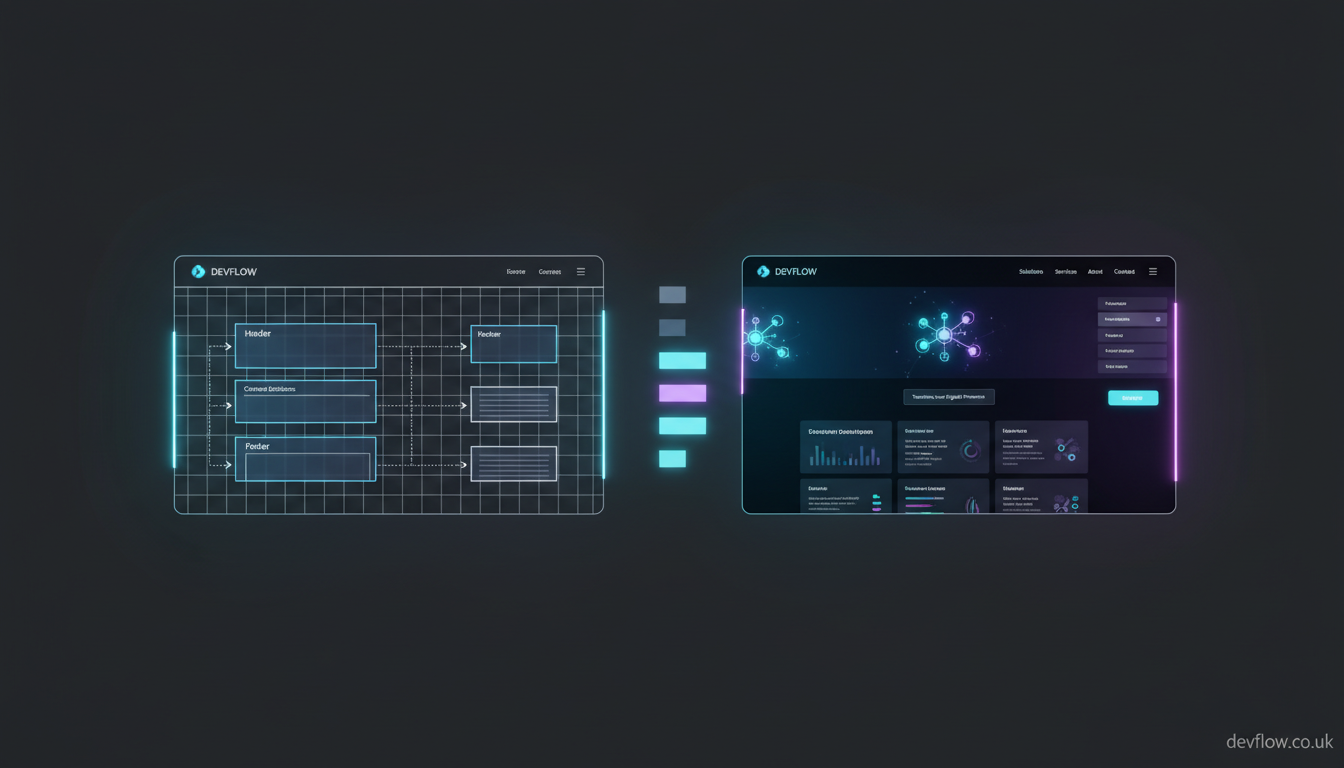
A website refresh involves updating surface-level elements of the existing site without changing its underlying development architecture. This includes implementing new typography, updated photography, and a revised colour palette. This is appropriate only when your site's current performance and foundational structure are completely sound.
A website redesign involves completely rethinking the site's information architecture, user journeys, baseline conversion strategy, CMS infrastructure, and visual design from the ground up. This is necessary when the site's fundamental approach to capturing traffic and leads is wrong.
To minimize disruption and ensure your new launch produces a high return on investment, organize your project into four distinct operational phases:
Export all your current URLs and their matching organic traffic metrics, record current keyword rankings, document all inbound domain backlinks, and capture all current meta titles and descriptions. This detailed historical data shapes your redesign brief and completely protects you from inadvertently destroying your hard-earned SEO equity.
Set specific, measurable business goals right out of the gate. Outline a target PageSpeed score, specific target keyword rankings, target conversion rate improvements, and your target organic traffic growth metrics.
In the first four to six weeks following your launch, monitor Google Search Console daily for errors, watch your target keyword rankings weekly, track conversion rates against your old pre-launch baseline, and gather continuous feedback from the team members using the Webflow CMS backend.
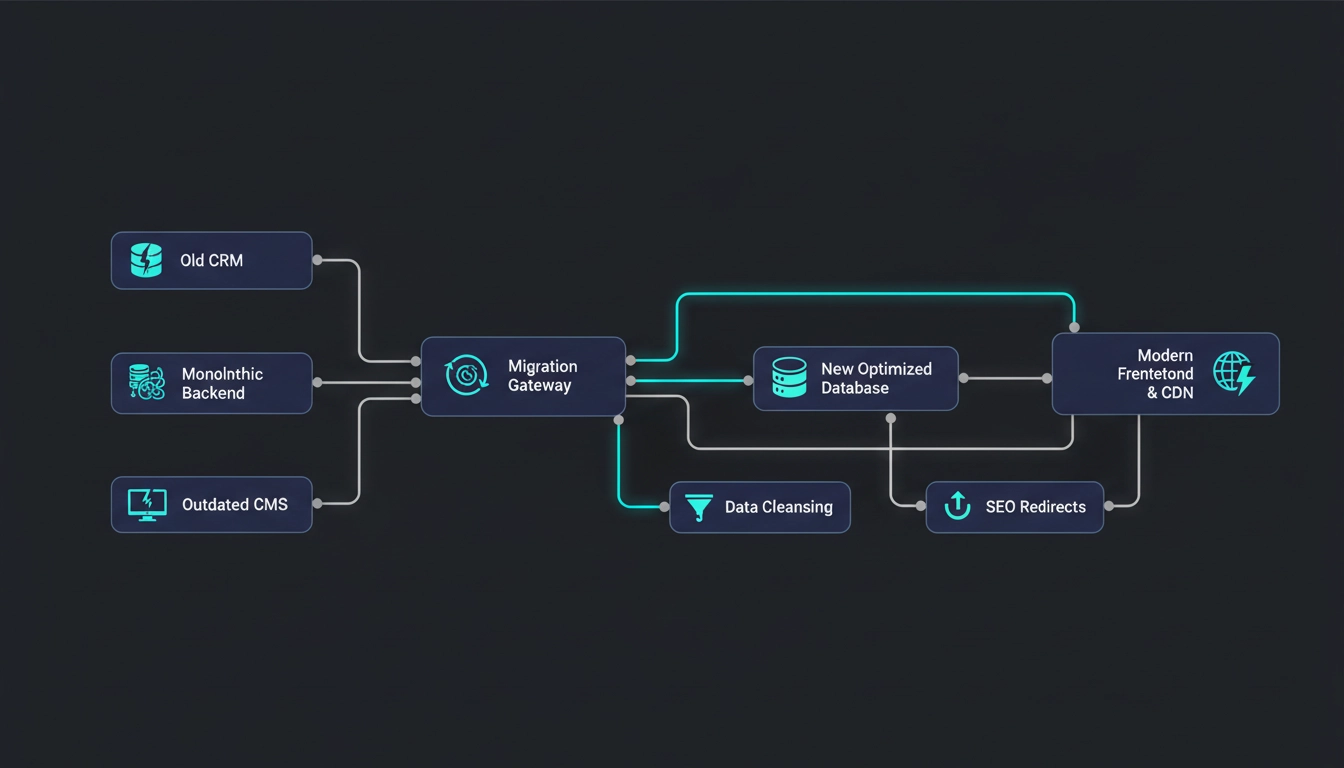
A Webflow redesign executed by an expert webflow rebuild agency is not just a cosmetic improvement—it is a commercial infrastructure upgrade for your enterprise:
Is your website ready for a redesign? Book a free Webflow Website Audit with Devflow. We will review your site's performance, SEO health, and conversion architecture and tell you honestly whether a refresh or a full rebuild is the right move. [Book Your Free Website Audit]
Share
Explore more insights from our team to deepen your understanding of digital strategy and web development best practices.
Book now
Let’s discuss your goals, map out a strategic execution plan, and turn your website into a growth engine for your business.