By clicking “Accept All Cookies”, you agree to the storing of cookies on your device to enhance site navigation, analyze site usage and assist in our marketing efforts. Read Our Policies
Accept All Cookies
Cookie Settings
Cookie Settings
By clicking “Accept All Cookies”, you agree to the storing of cookies on your device to enhance site navigation, analyze site usage and assist in our marketing efforts. Read Our Policies
Oops! Something went wrong while submitting the form.
Start A Project
Back to Blogs
Syed MahbubFounder of Devflow
June 18, 2026
The Webflow Website Brief Template: How to Brief Your Agency for Maximum Results
A complete guide to writing a Webflow website brief that gets you accurate quotes, relevant proposals, and better results. Includes a free downloadable brief template for UK businesses.
Why Most Website Briefs Fail
A bad brief does not just produce bad proposals — it produces bad websites. The two most common failure modes of web design projects trace directly back to brief quality:
Scope creep: The brief was vague, assumptions were made on both sides, and the project expanded significantly beyond what was originally discussed.
Misalignment: The agency built what was briefed, but what was briefed was not actually what the business needed.
A good brief prevents both. It forces you to think through what you actually want, why you want it, and what success looks like. That clarity produces better quotes, better proposals, and ultimately a better website.
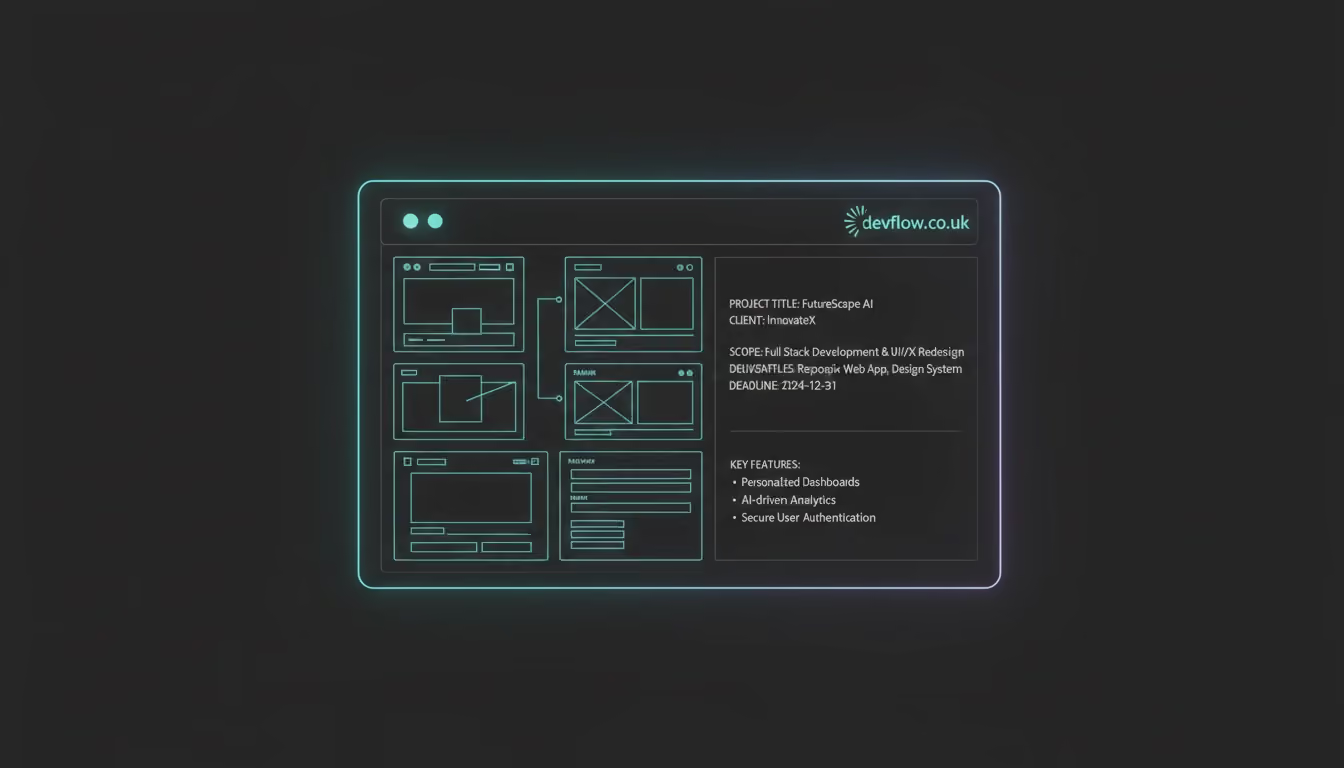
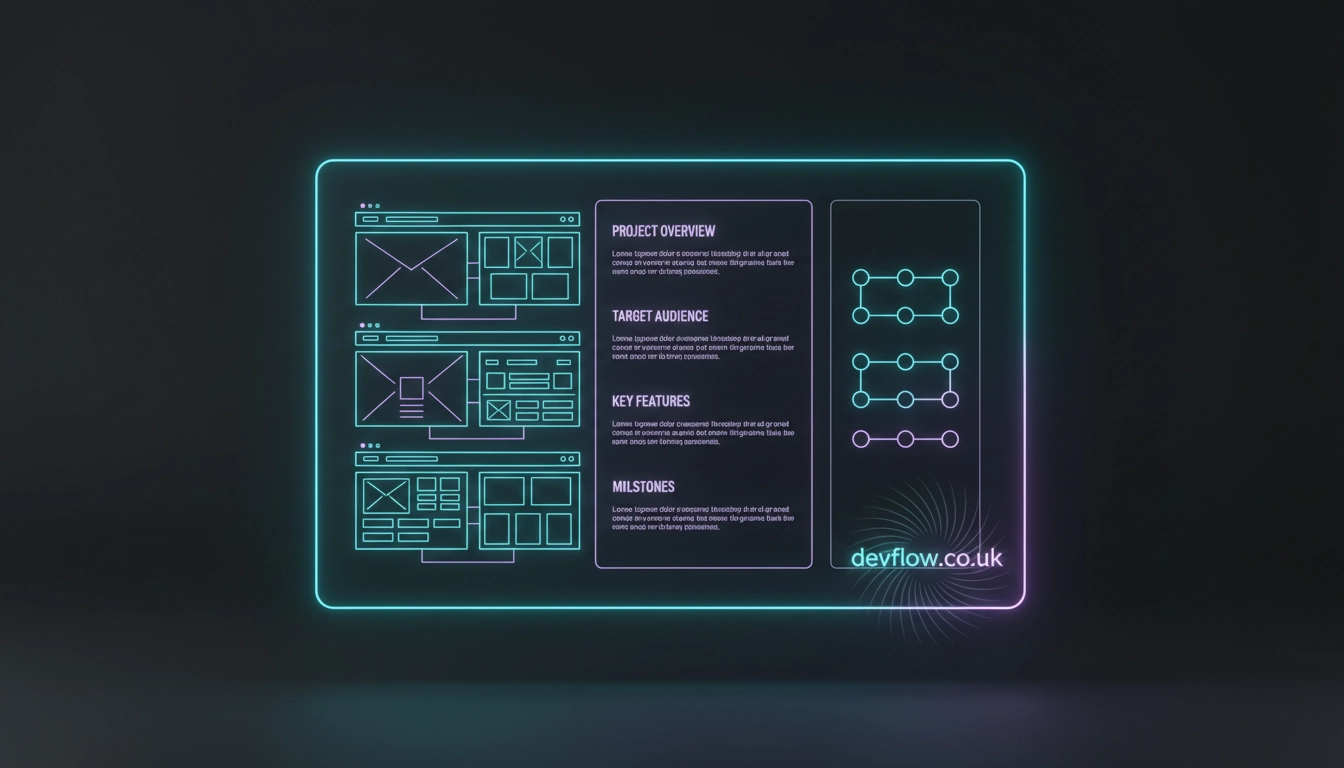
A premium 3D render of an organized Webflow website brief template layout on a dark mode background featuring the devflow.co.uk branding.
Section 1: Business Context
Provide the background information the agency needs to understand your company's core mission:
What your company does: Explain this in one or two plain-language sentences.
Stage and scale: Are you pre-revenue? Series A? £5m ARR?
Primary business goal: What single commercial outcome do you want the website to support?
Why now?: What internal or external shift has prompted this project?
Section 2: Target Audience
Identify the exact end-users who will interact with your platform:
Primary audience: The specific type of person who makes or influences the buying decision (job title, seniority level, company type, and company size).
What they know: How much does your primary audience already understand about what you do?
What they believe: What do they think before they visit your site? What objections or hesitation do they have?
What you need them to believe and do: After visiting your site, what should they think, feel, and ultimately do?
Section 3: Scope and Pages
Clearly define the architecture and current asset inventory of the build:
List of all pages: Map out the structural requirements (e.g., Home, About, Services, Pricing, Blog, Case Studies, Team, Contact, Legal).
CMS requirements: Does the site need a blog, case study library, team directory, resource centre, changelog, or job board?
Existing content: What copy, images, and brand assets currently exist? What needs to be created from scratch?
Figma file: Do you already have a finalized Figma design ready for development, or do you need design services?
Section 4: Design Direction
Help the agency understand your visual identity preferences:
Brand guidelines: Provide links to any existing brand guidelines, logo files, colour palettes, and typography.
Tone: Is your brand professional and authoritative? Warm and approachable? Bold and disruptive?
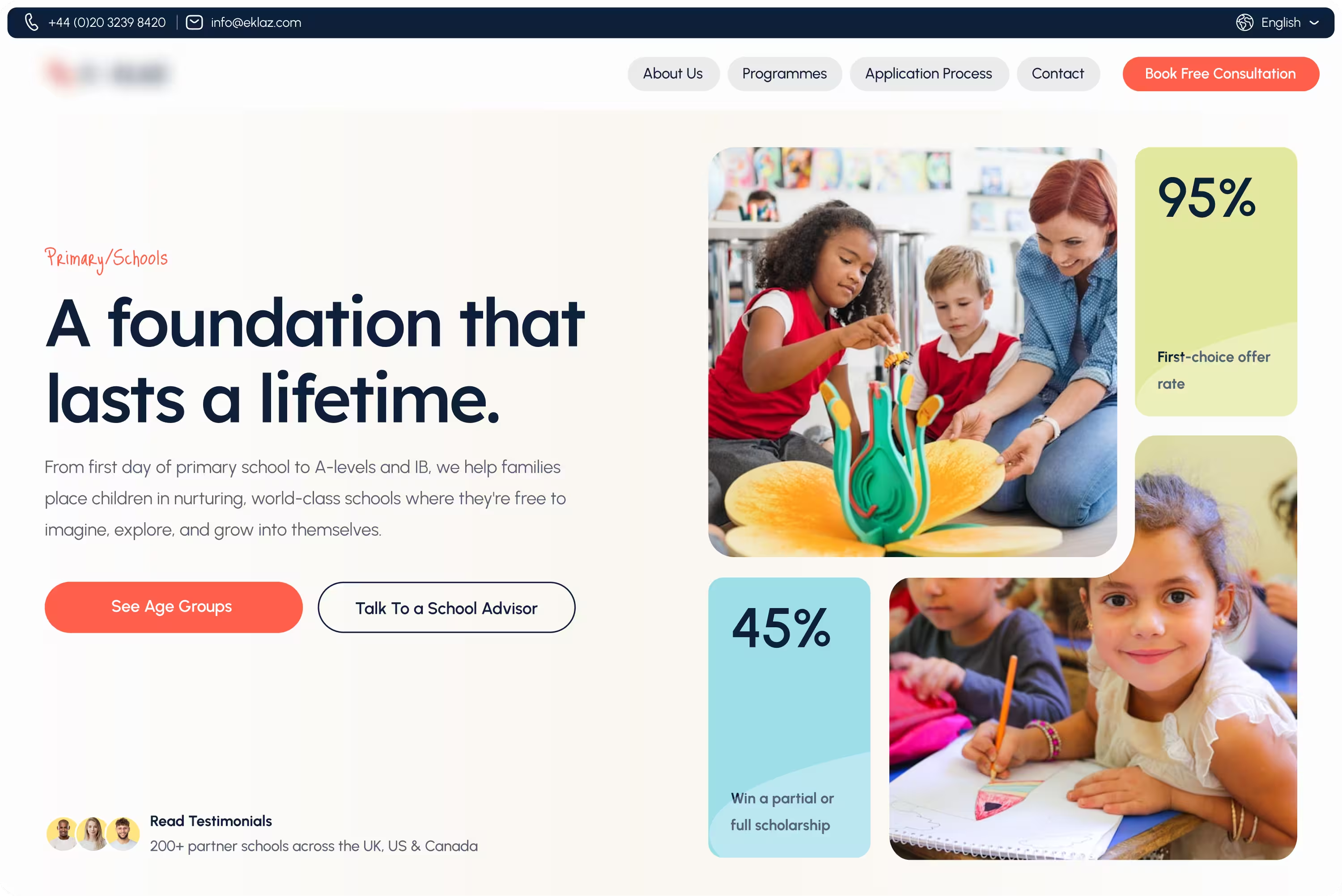
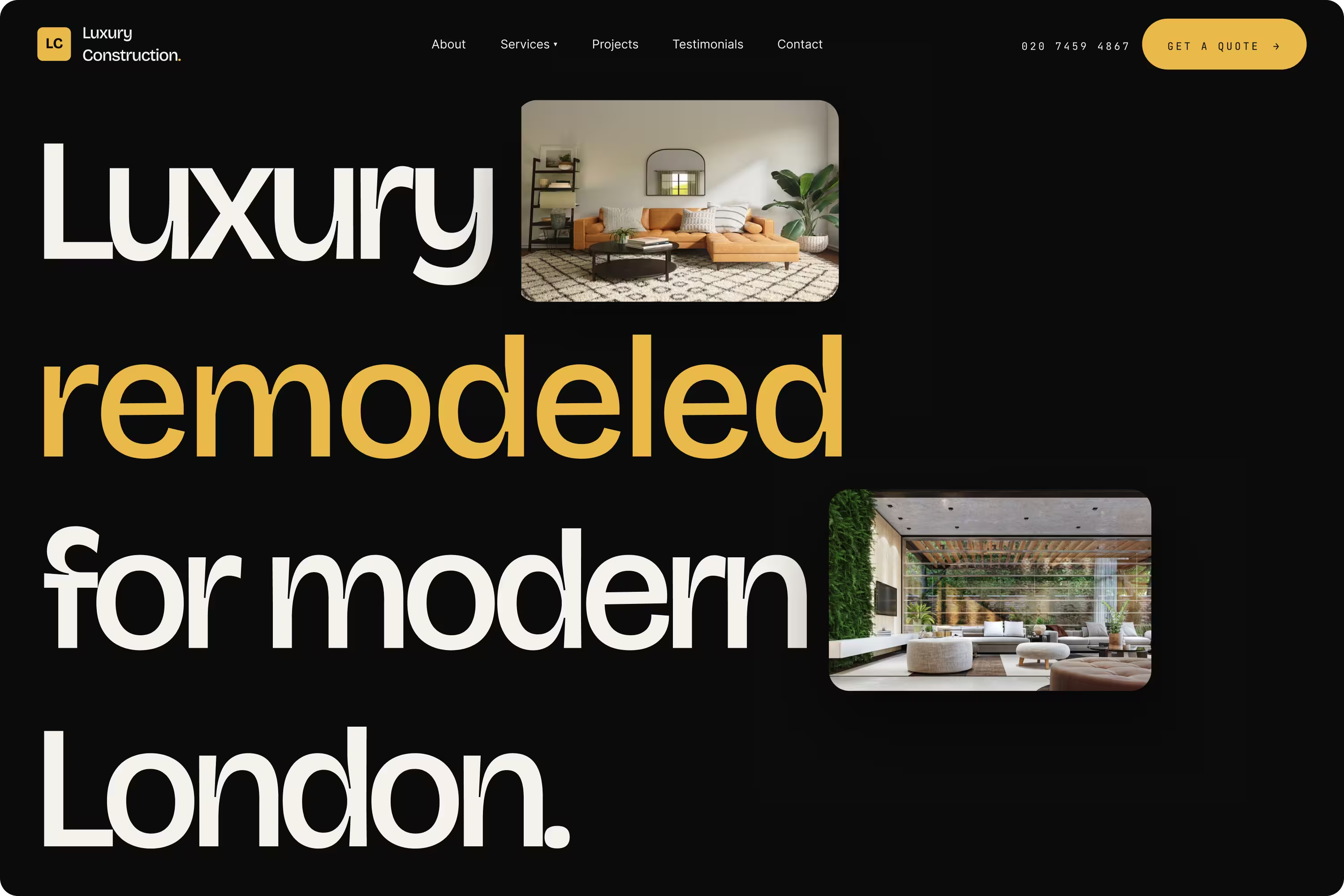
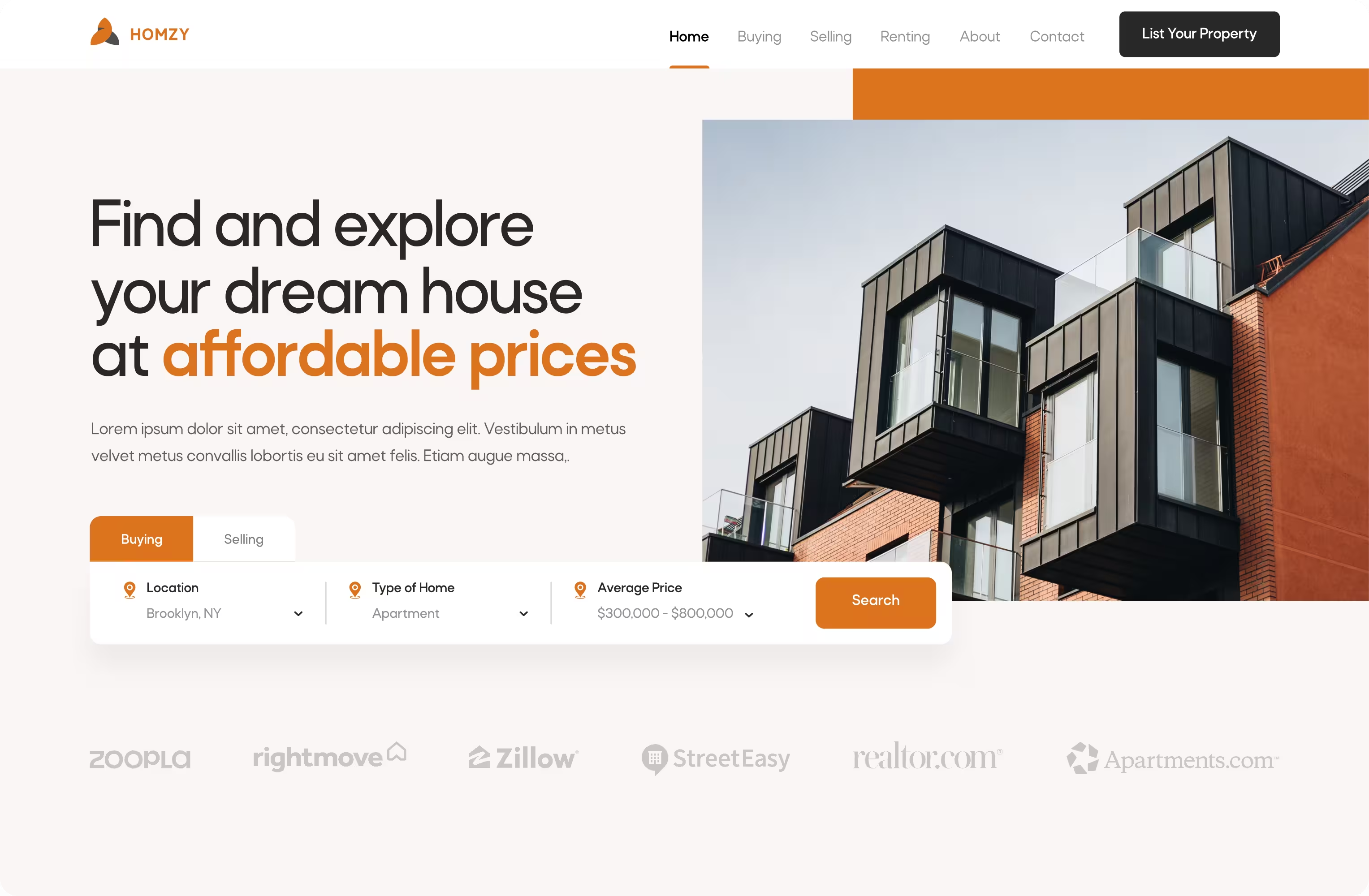
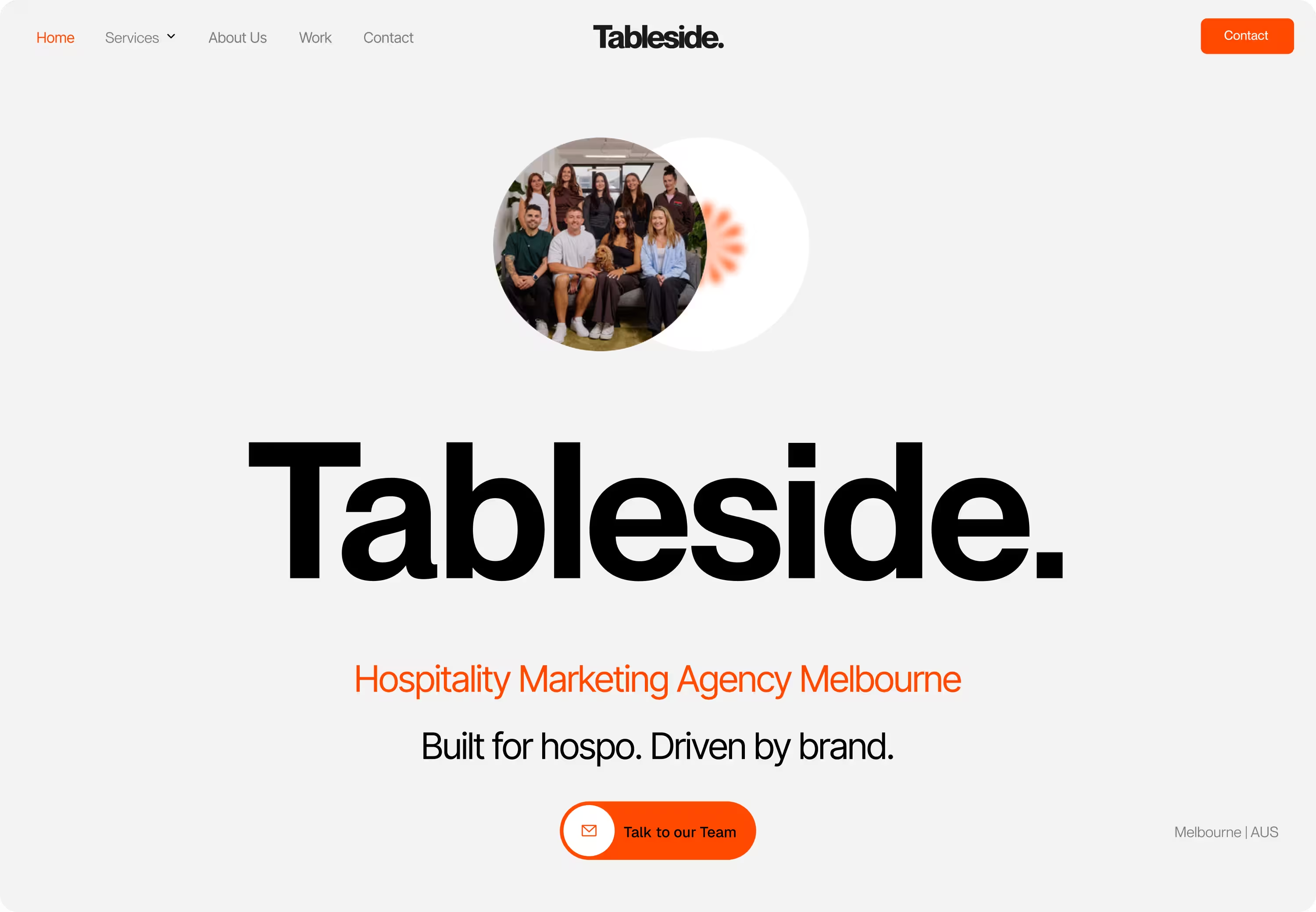
Three sites you like: Provide URLs and write a brief sentence on what specifically you like about each site's execution.
Three sites in your sector: Identify who your main direct competitors are.
Section 5: Technical Requirements
Outline the system connections and platform foundations needed:
Current platform: Where is your site currently hosted? Is this a full migration or a completely new build?
Integrations: What external tools need to connect to Webflow? (e.g., HubSpot, Salesforce, Intercom, Mailchimp, Calendly, Stripe).
Accessibility requirements: Does your site need to meet strict WCAG 2.1 AA standards?
Analytics: What does success look like in data terms?
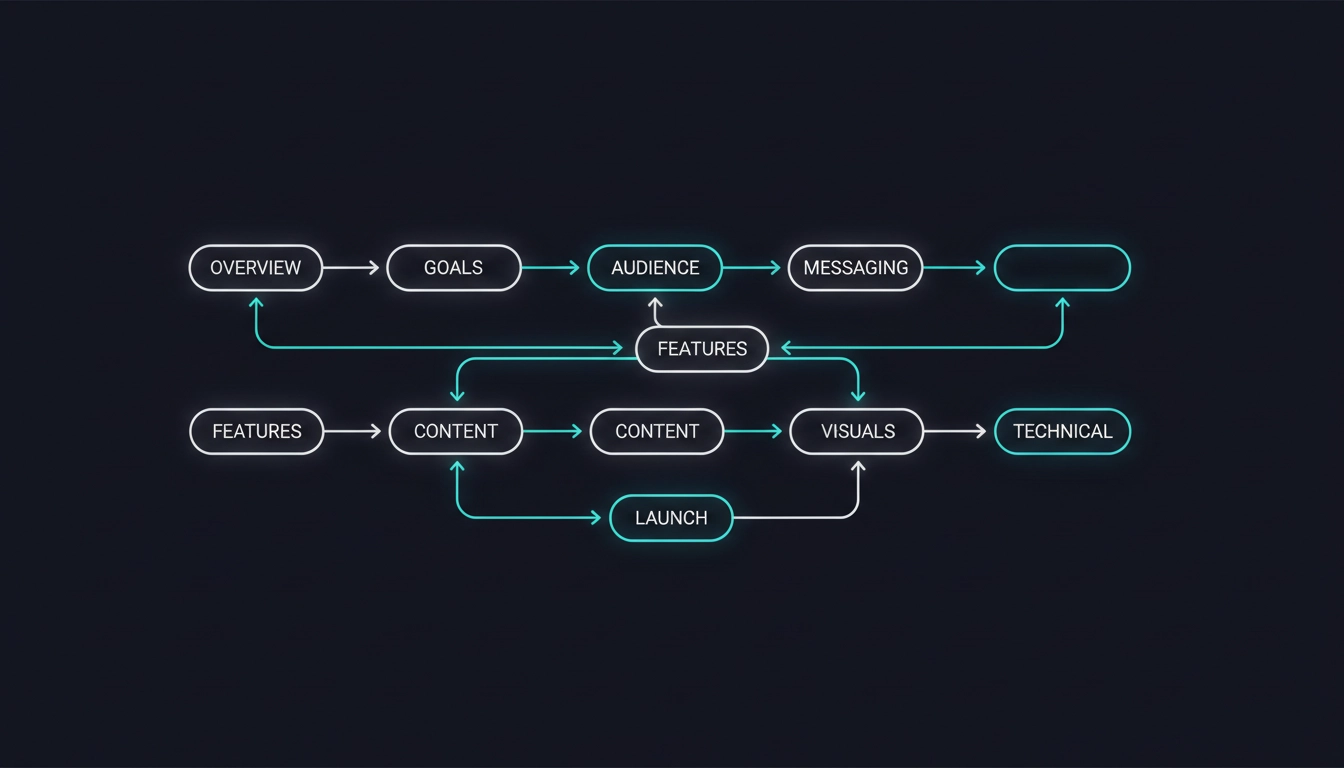
A minimalist tech vector graphic outlining the workflow steps of a website brief template UK.
Section 6: Timeline and Budget
Timeline: Is there a hard, unmovable deadline (such as a product launch, a fundraise announcement, or an upcoming conference)? What is your ideal launch date?
Budget: Be as specific as you can. A realistic range (e.g., "We have allocated £10,000-£15,000 for this project") is significantly more useful than stating "We want the best value." Agencies use budget information to calibrate the overall scope and custom solutions they propose.
Section 7: Success Metrics
Define what winning looks like before you start the build, not after it launches. Clear metric examples include:
"Organic search traffic increases from 500 to 2,000 visits per month within six months."
"Demo booking rate from website visits improves from 1.2% to 2.5%."
"Google PageSpeed mobile score of 90+."
"All priority pages ranking in the top five for target keywords within six months."
Section 8: Process Preferences
Communication preferences: Do you prefer weekly written updates, active Slack channel access, or scheduled video calls?
Decision-making process: Who are the key stakeholders that need to sign off at each major milestone stage?
Revision rounds: How many formal rounds of design and layout feedback are expected?
Post-launch: Will you require an ongoing retainer for monthly support and iterative development?
Putting It Together
A completed project brief using these eight sections is typically two to four pages long. Share it with multiple agencies simultaneously to get completely comparable proposals.
As a final rule of thumb: if an agency responds to your comprehensive brief without asking any follow-up questions, take that as a red flag. It is a strong sign they are going to build what they assume you want rather than what your business actually needs.